Challenge
Make familiar visual supports easier to prepare, personalize, and reuse.
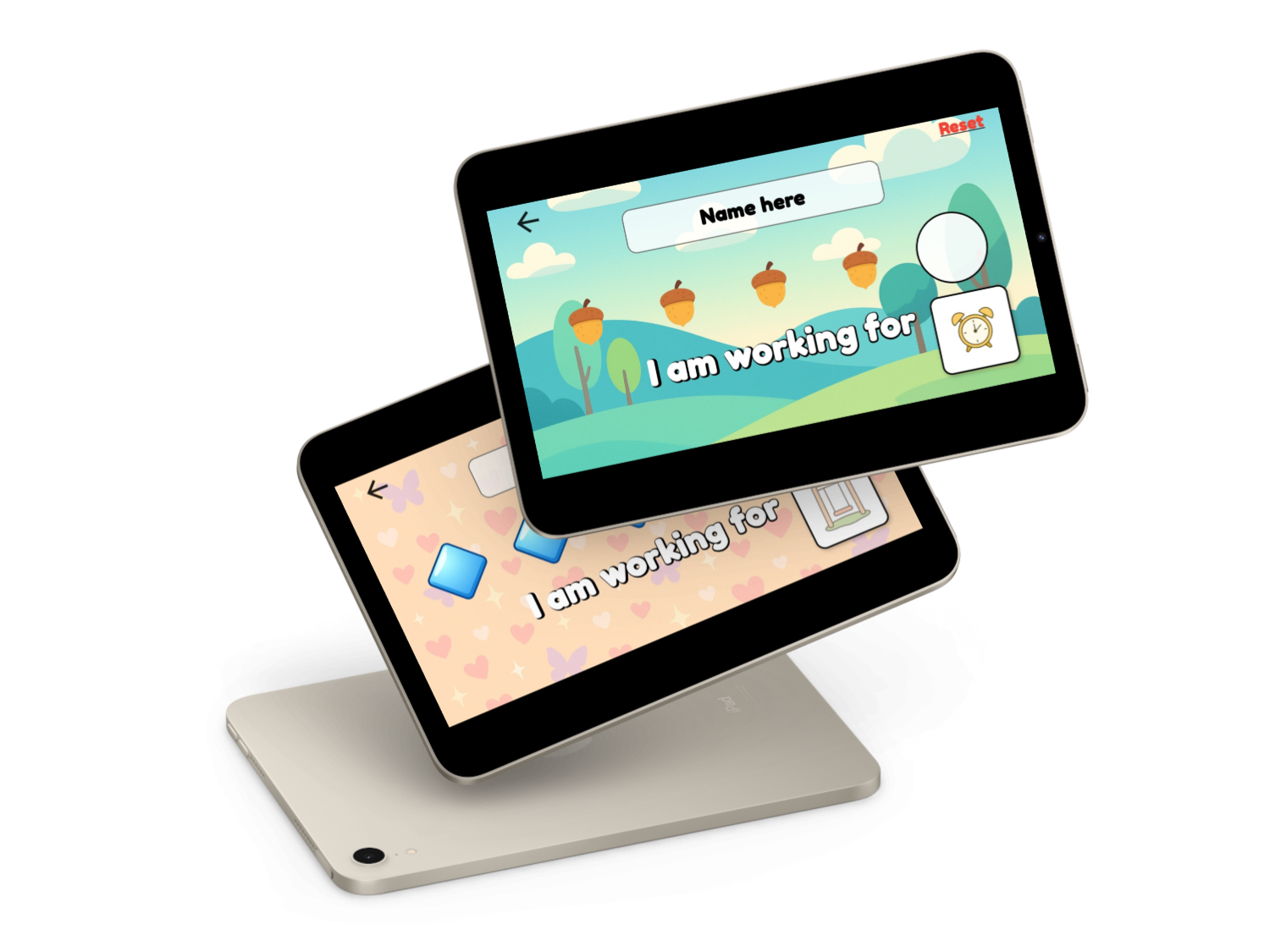
I design and continually improve Skillberry Visuals, a live app that helps families, educators, and therapists create personalized visual supports for routines, transitions, and learning. It brings schedules, token boards, choices, and timers into one flexible experience.
Product Designer · September 2025–present · EdTech
Released April 2026 · Ongoing product improvements
I began with a reusable digital token board and continue designing a broader visual-support toolkit. The figures below describe app-level adoption during Q3 2026.
5,532
8.9× the previous quarter’s 625 first-time downloads.
29.5%
Daily average conversion from unique device impressions to downloads and pre-orders.
140
Paid subscriptions active at quarter-end, September 30, 2026.
Source: App Store Connect · July 1–September 30, 2026 (UTC). Download growth compares April 1–June 30, 2026. These are app-level results; the contribution of individual design changes was not measured separately.
Explore the live app on the App Store ↗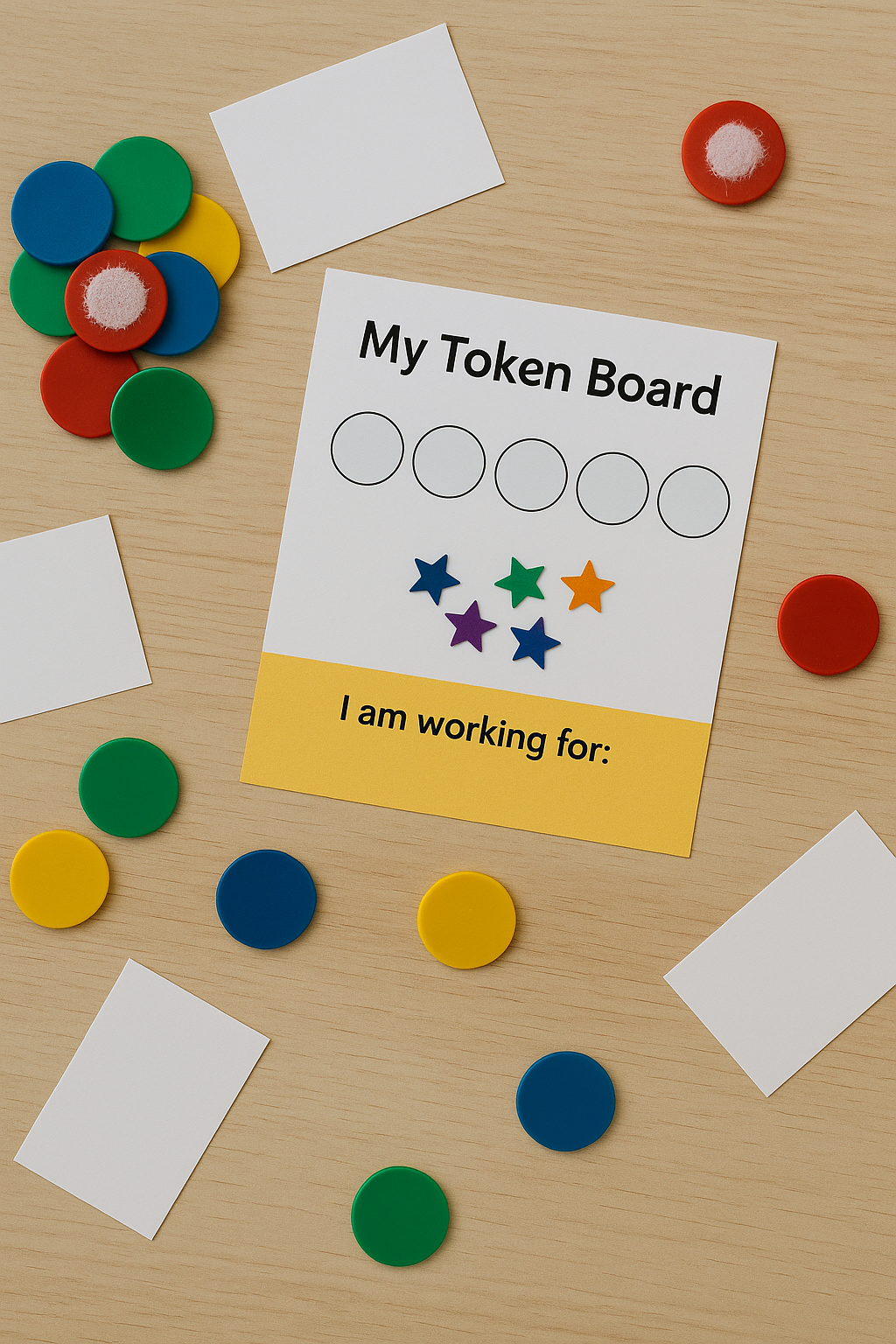
Reduce setup time and eliminate physical clutter.
Increase child engagement with a clear, motivating interface.
Provide a reliable, consistent tool for parents and educators.
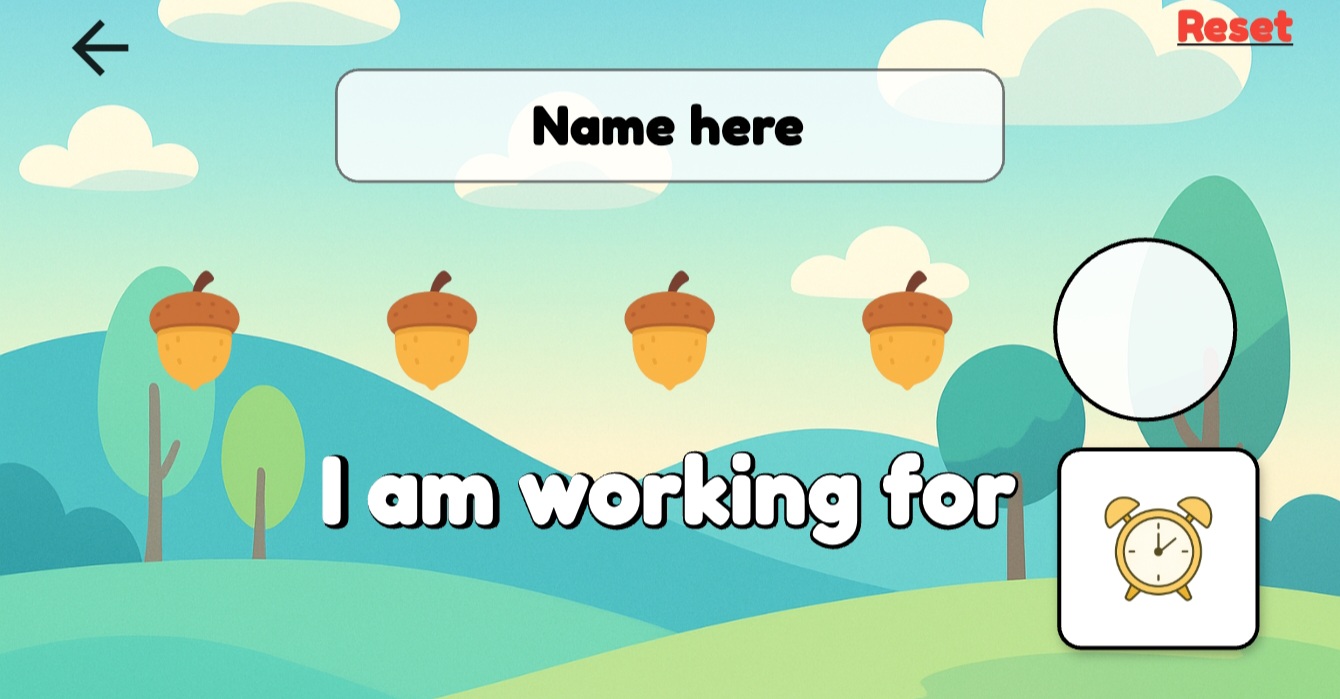
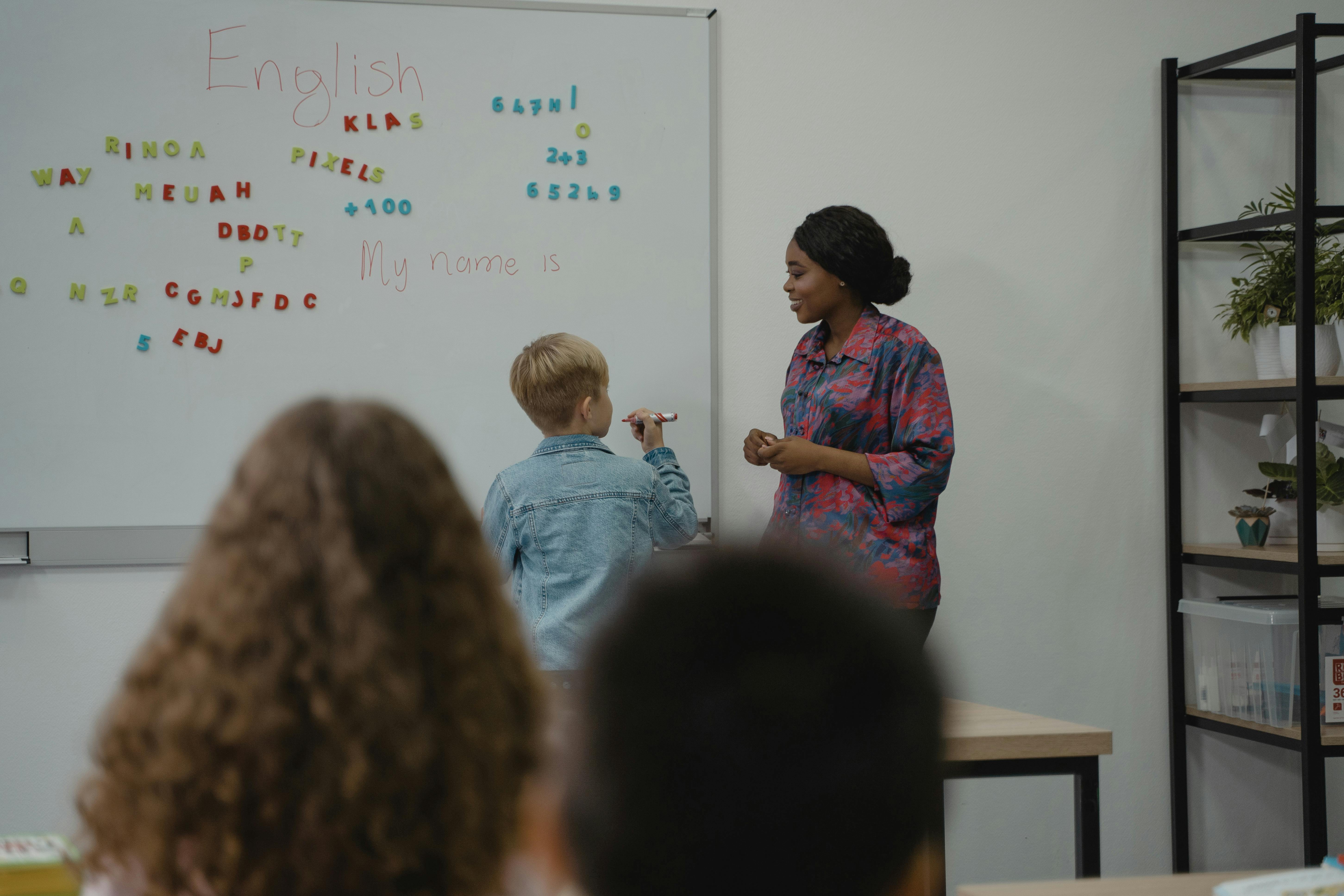
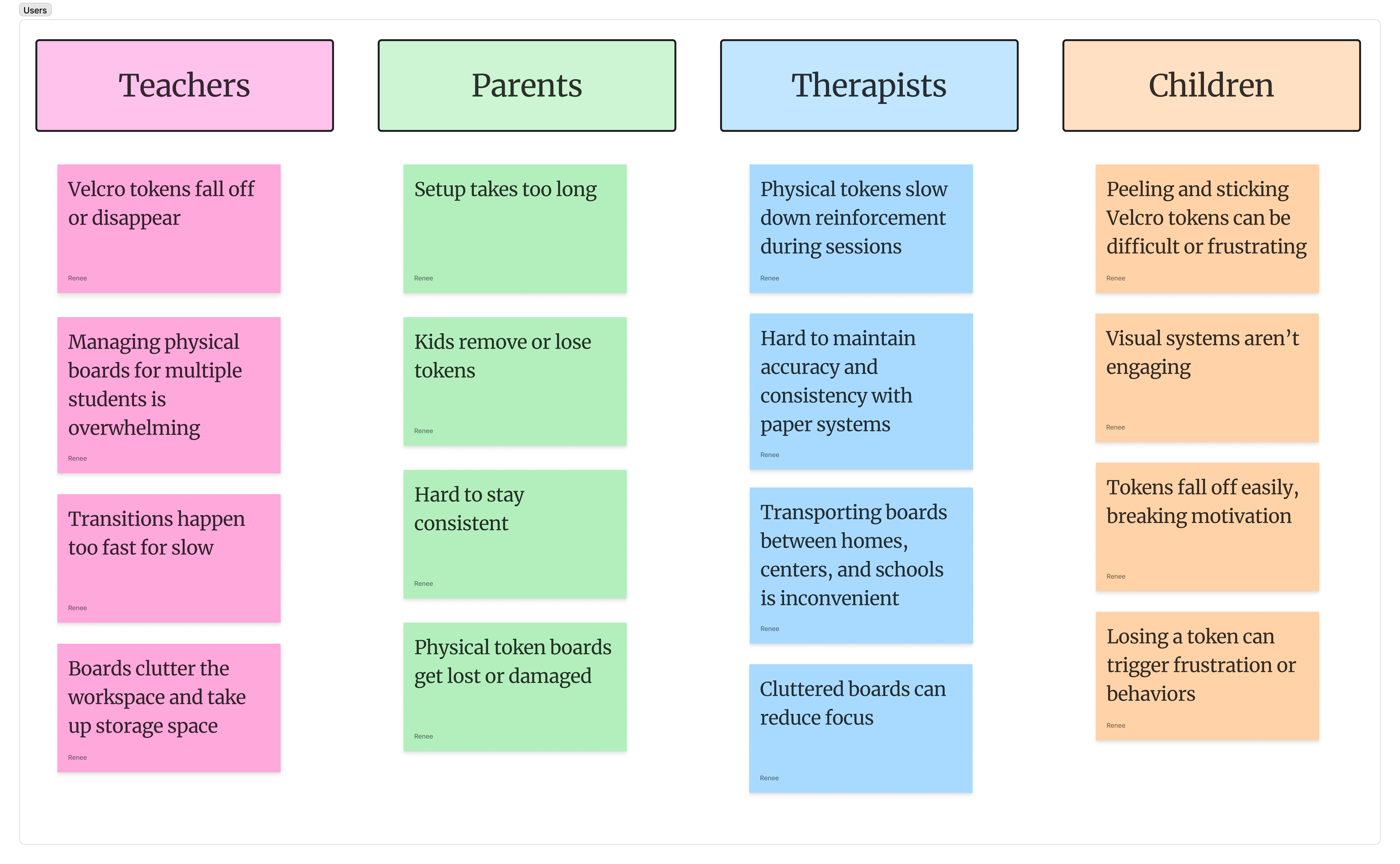
I observed physical token-board use and held informal interviews with parents, teachers, and therapists. This small exploratory sample helped me identify practical setup and reuse challenges. I grouped the findings into three priorities: reduce setup, show progress clearly, and keep the routine consistent across settings.
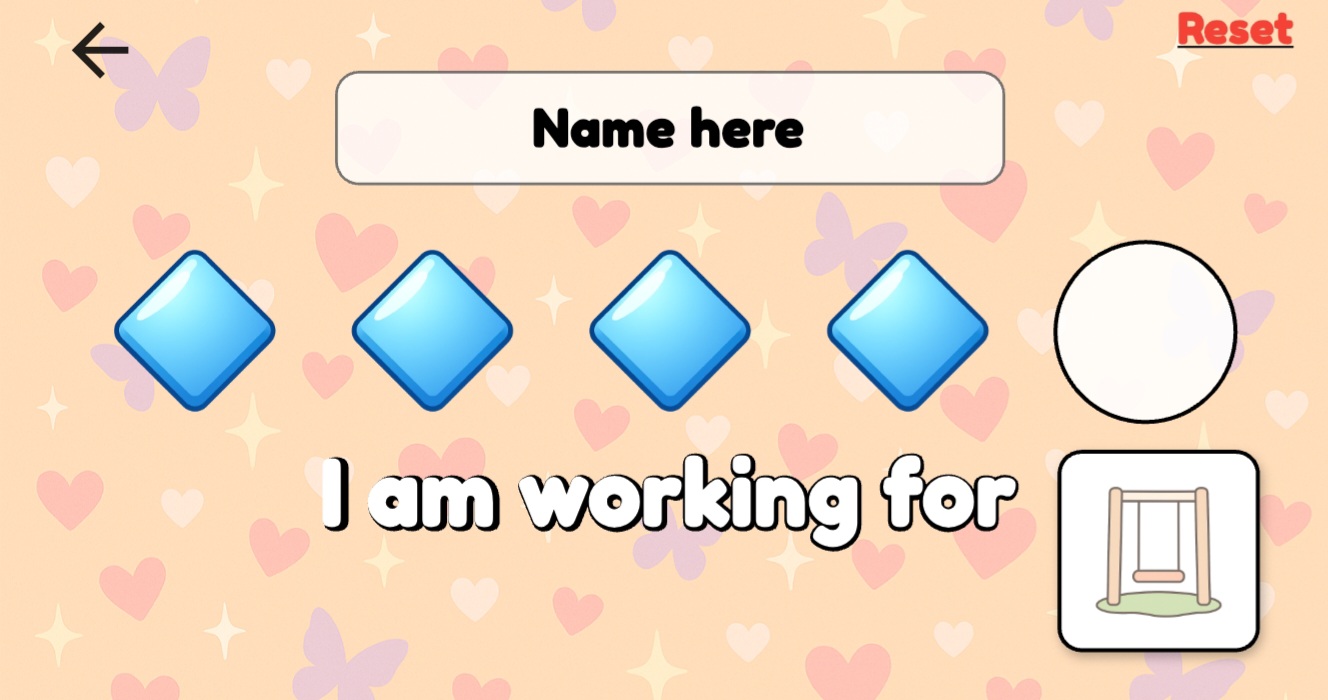
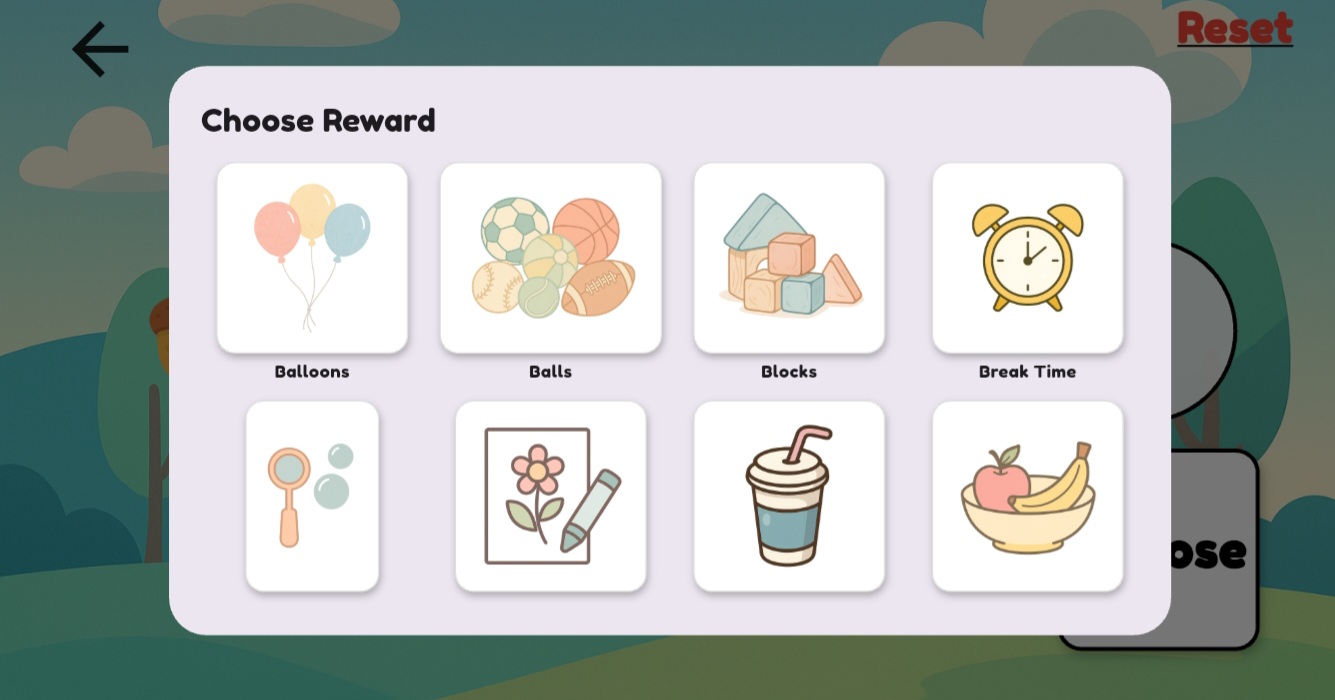
Adults need to award tokens while staying engaged with a child. I made token delivery a quick tap and kept progress visible on the board. Reward selection gives adults a choice of motivators while preserving the familiar physical token-board routine.
Interaction decisions
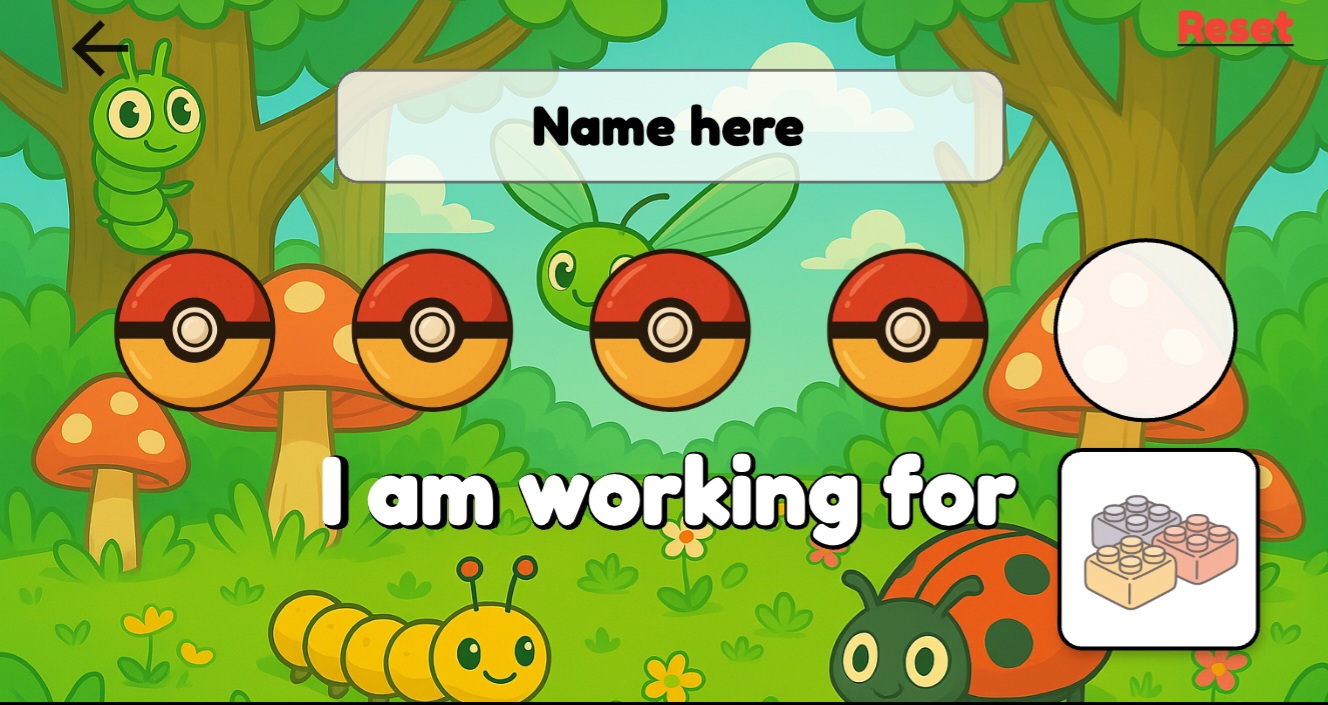
Visible tokens show progress toward a reward. Reward selection gives adults a choice of motivators, and a reset control supports preparing another session.
I put board themes in one dashboard so adults can choose a style for a learner’s goal and setting before a session. The design balances personalization with consistency: themes change, but token delivery, progress, and reward selection follow the same routine.
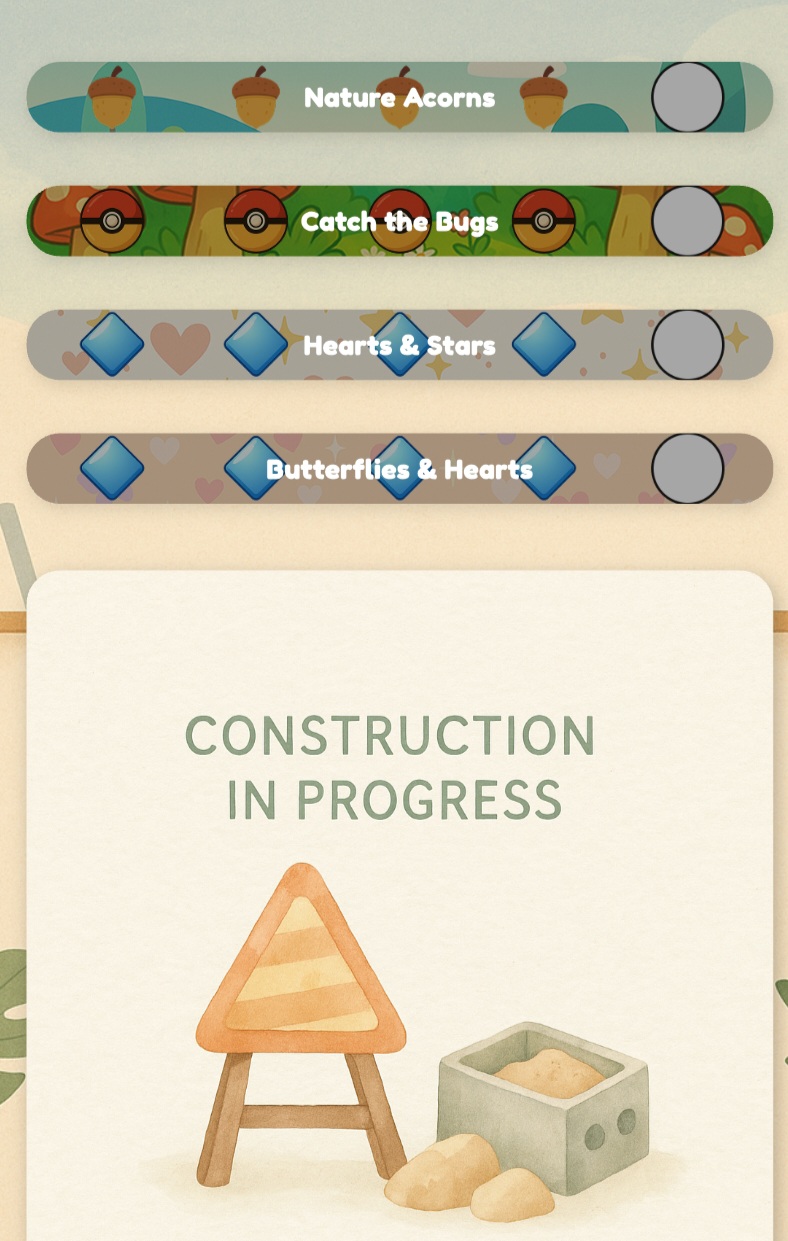
Personalization during setup
The dashboard groups board themes in one place. Adults choose a theme before the session while the core token-board routine stays consistent.
The next step is to evaluate the current toolkit in real routines: preparing a visual support, personalizing it, using it during a session, and finding it again. These proposed measures would connect product decisions to task success.
Measure the median time to prepare a schedule or token board. Compare first-time setup with reuse of a saved visual.
Track whether participants can personalize a visual, complete a schedule, and find a saved board without assistance.
Track return sessions and reuse of saved visuals, then interview users about what helped or interrupted their routine.
Planned usability measures: establish a baseline and record the participant count before setting improvement targets.
Selected work · Live product
A live visual-support toolkit for routines, transitions, and learning made accessible.
Across devices
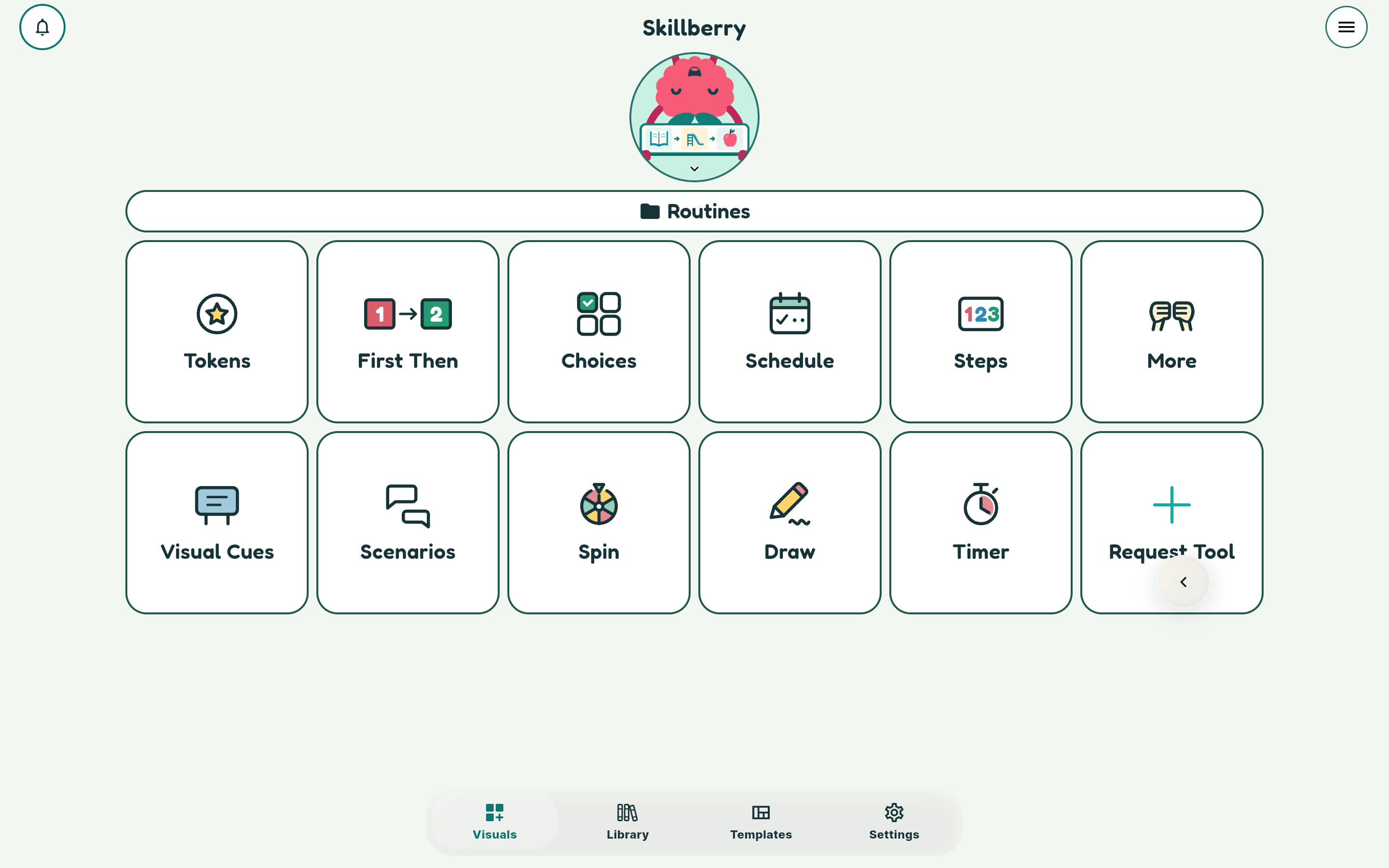
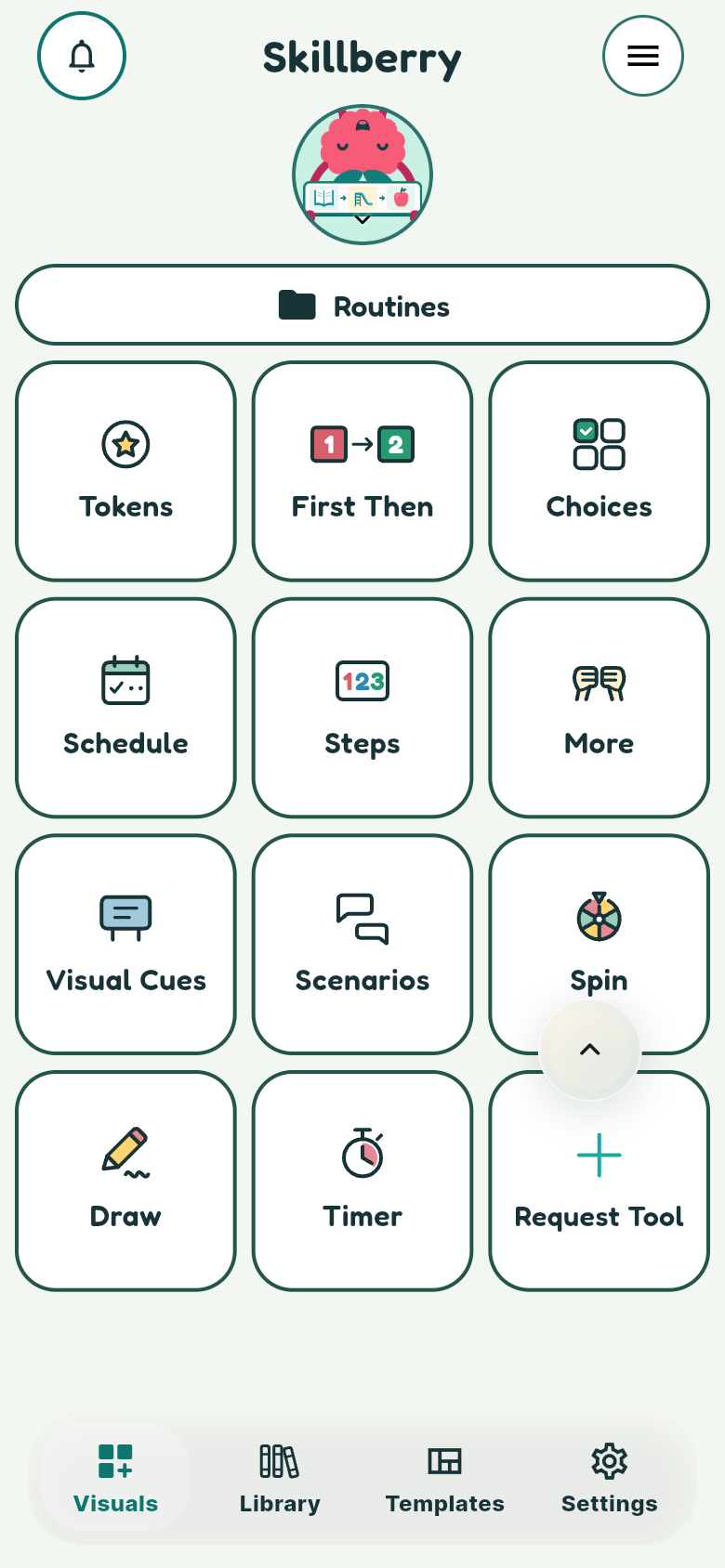
Make familiar visual supports easier to prepare, personalize, and reuse.
Research, interaction design, usability testing, and ongoing product improvements.
A live app with 5,532 first-time downloads in Q3 2026.
Physical token boards rely on loose pieces and manual setup. I observed their use and held informal interviews with parents, teachers, and therapists. The exploratory findings pointed to less setup, clear progress, and consistency across settings.
I made token delivery a quick tap and kept progress visible, so adults can stay engaged with a learner while awarding tokens.
Save a step-by-step activity, then reopen it when it’s needed.
The token board grew into schedules, First-Then boards, choices, and timers. Profiles, templates, printing, and sync support reuse across settings.
The token board was the starting point. After launch, the product grew into a toolkit for routines, choices, and personalized visual supports.
A digital token board brings familiar progress and rewards into the app.
First-Then boards, schedules, choices, and timers extend support for routines.
Personal photos, rewards, and activities make supports more relevant to each learner.
Recorded sounds, text-to-speech, and automatic sync extend support across devices.
Selected release milestones · App Store version history ↗
Skillberry Visuals is a shipped product with public user feedback. This case study follows the work beyond a prototype, from interaction design to release and ongoing product improvements.
“…the kiddos I work with love it. They love to customize it…”
Natalie_Campos · App Store review · September 3
“This app is AWESOME!!! I had a coworker show me a few days ago and it was so cool!”
sashhh · TikTok comment
Community feedback highlights personalization and also raises questions about printing and session control. These self-reports guide follow-up research.